
![29th Jan: Conspiracy Theories (2026), 2 Seasons [TV-14] (6/10)](https://occ-0-7324-92.1.nflxso.net/dnm/api/v6/Qs00mKCpRvrkl3HZAN5KwEL1kpE/AAAABUCIV9m2-hYvdAZDmt5WMsPeOEROuvp4hO3Ku-enLcFyMjCFmDBd08x9baBdK1hDYKujV_E0K_41F3s_ATHtk433FQLsg6sIRsRDNmGdZdfLmcv1xB8csthv9lA09H_BtZQz6ffa-q-7DhiLP9v-5Gd7PTYQ3CiEliZXTC-KQ148KacxwITj9iN8XCLO1DMCS13YeMDo-hvBN9rvoI8zKMI6iFryWaymoyR1OkCb4z5y7YQaSIa_xfANyLvqSoX9em2bufTllNLJaoFd9O8kdLPAIYdBjVMofvRpeh_eZc_9PthPlFLbwzFYC5J05Q.jpg?r=502 "29th Jan: Conspiracy Theories (2026), 2 Seasons [TV-14] (6/10)")

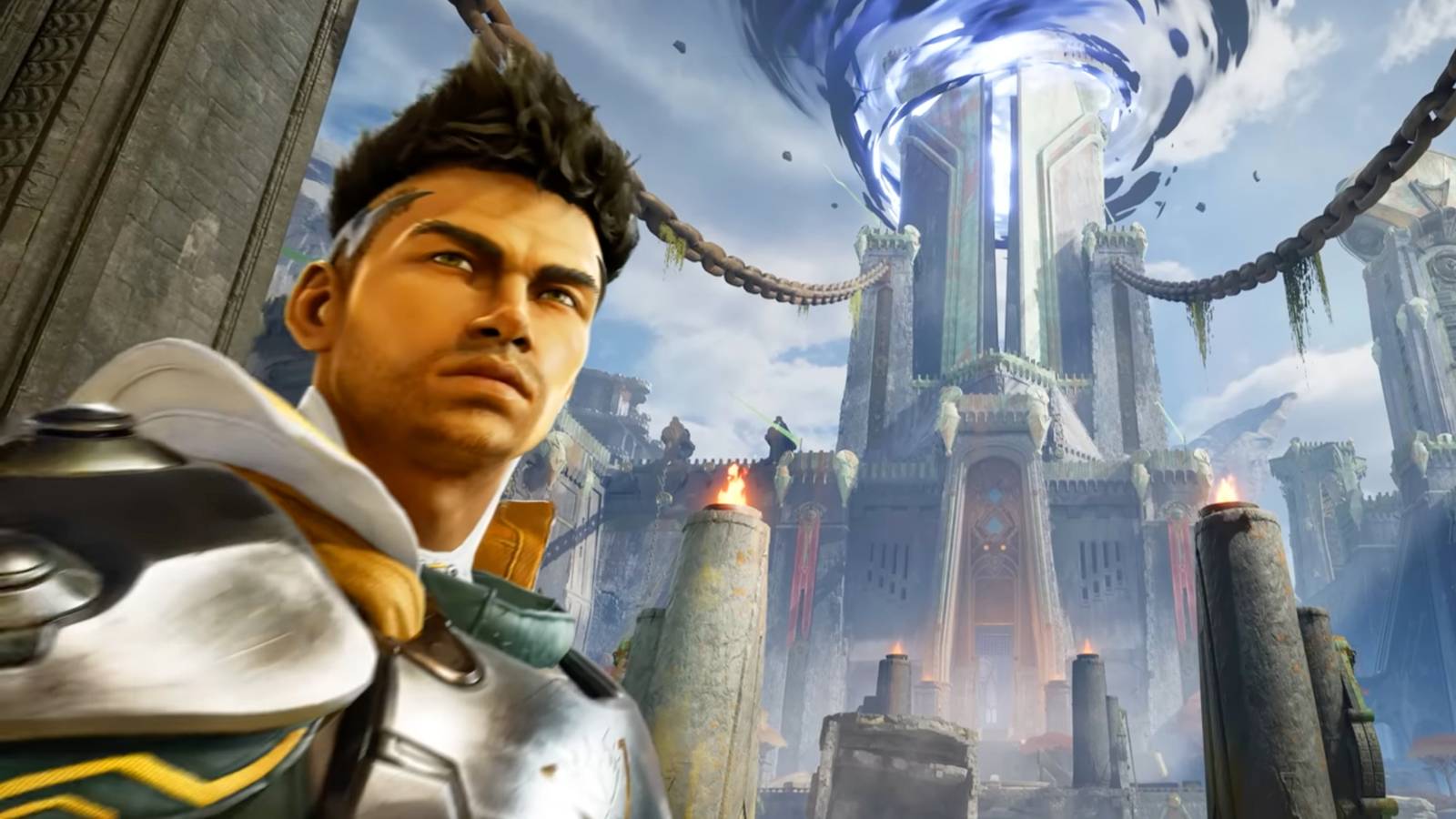




Even though it only launched on Jan. 26, Highguard‘s first major patch is already here. With the Jan. 29 update, the team at Wildlight Entertainment aims to address some of the issues highlighted by players since the free-to-play raid shooter’s rocky debut. The shooter’s Steam reviews are currently “mostly negative” with more than 22,000 submitted, though we thoroughly enjoyed the game at a pre-launch preview event last week. Right now, it feels like Highguard is every online hater’s favorite target, and it would be a tall order for any tight-turnaround update to stem the tide. Still, the devs at Wildlight are hustling to optimize the experience for players, and it sounds like there’s more to come in the days ahead.
“Hey Wardens! We’ve just pushed out a patch with a number of improvements, including FoV sliders for consoles, toggle options for ADS and Crouch, many video settings, and more. The team is also working on optimization improvements, they just need a few more days to cook,” the team from Wildlight said in its preface to Thursday’s patch notes.
Wildlight Studios first announced the patch was in the works on Tuesday. The game’s devs — many of whom spent years at Respawn before joining Wildlight — say they’ve learned a lot from launching Apex Legends, and are committed to avoiding the same post-launch fumbles with Highguard.
The full patch notes for Highguard version 1.0.4 are listed below:
Settings Improvements
Note: in an effort to release these changes to our players as quickly as possible, a number of menu options are not yet localized in languages other than English. Properly localized settings will be prepared for a future patch.
Game Input Settings
- Added the ability to set Crouch to Hold or Toggle for all platforms.
- Added the ability to set Aim Down Sights to Hold or Toggle for PC only (for now).
Toggling into ADS then tapping Sprint (shift on PC, left stick on controller) will swap your scope. This is disorienting on controller. PC players are recommended to rebind scope swap if using Toggle ADS. We will continue to look into adding this for console players who can’t rebind buttons yet, but we will need more time.
Video Settings
- Console users can now adjust FoV to 110.
- Low scalability settings for shadows and reflections are tuned for even more performance at the cost of some image quality.
- Low shadow setting now also disables volumetric fog.
- Added a new “View Distance Quality” setting that controls skeletal mesh LODs, which can be another useful control to tune GPU and CPU usage.
Players now have the ability to toggle the following features on or off, irrespective of other quality options:
- Anisotropic Materials
- Chromatic Aberration
- Bloom
Motion Blur and Depth of Field need more testing to disable safely. Look for these options very soon.
- DLSS users now have the ability to select a DLSS preset. More presets and better descriptions are coming in the next patch.
- Players can now select Off to disable Global Illumination entirely.
- Resolved an engine bug which could inadvertently throttled laptop users to 60 FPS regardless of frame rate settings.
Crash and Bug Fixes
This patch resolves crashes that could occur in the following scenarios:
- Leaving a match on PS5 with an unexpected input state.
- Loading into matches on machines with slower storage devices.
A number of other bugs related to online user presence and matchmaking were also resolved.
- Friends now appear online correctly after accepting requests, and Xbox presence updates properly. Major crash fixes have reduced crashes by 90%, significantly improving stability.
- Friend status is fixed – players now appear online correctly and Xbox presence updates reliably. Our top crash issues are gone resulting in a 90% crash reduction.

![29th Jan: The Dave Chang Show (2026), 2 Seasons [TV-MA] (6/10)](https://occ-0-7324-92.1.nflxso.net/dnm/api/v6/Qs00mKCpRvrkl3HZAN5KwEL1kpE/AAAABbQGkkRmFob6R8yl5_XgrbWf6_pHGf7vgGm1K-J3bnkpmOt-DqKfAkeS6BCTn30_CnMUsSot-loS5MsrbBJPdwdIB9QCPulv15LXRT8uR38r122SQuX40eJy-E0Xjk8ruzf2t3gB-C8ZocArT46-FxVaOWEPvo7Olwb8Z5rUfwut05LgHr1FVKubv7ByT0GkAaT-N0otP92OEuUG3nVj2uBYul0ff31EqIiAIkN60lrwJSUaQMBS9B894fRYTpIViKsT4c7y5-R6AdZ8HBkBQ_fJnqVJ87oZFnxOnpRfzGMTq8nawUyqOtYKORuqiw.jpg?r=735 "29th Jan: The Dave Chang Show (2026), 2 Seasons [TV-MA] (6/10)")