




![2nd Apr: The Bad Guys: The Series (2026), 2 Seasons [TV-Y7] – New Episodes (6/10)](https://occ-0-937-2705.1.nflxso.net/dnm/api/v6/0Qzqdxw-HG1AiOKLWWPsFOUDA2E/AAAABdFSPdt6Mkp2CRSSljnJptawKeB68oQPy4_DiC6iw-NiLcfabKQaGa_6H728Hks3aXTCZ14SVV_RD6gV1leplz2vQDvQTuVs8KsqHyMQfRhwo5xsNWQ084L4bgcno0iRBuPFU8yNmoLyrgAAjNG69u-qMUnekycanEehWAjV.jpg?r=185 "2nd Apr: The Bad Guys: The Series (2026), 2 Seasons [TV-Y7] – New Episodes (6/10)")





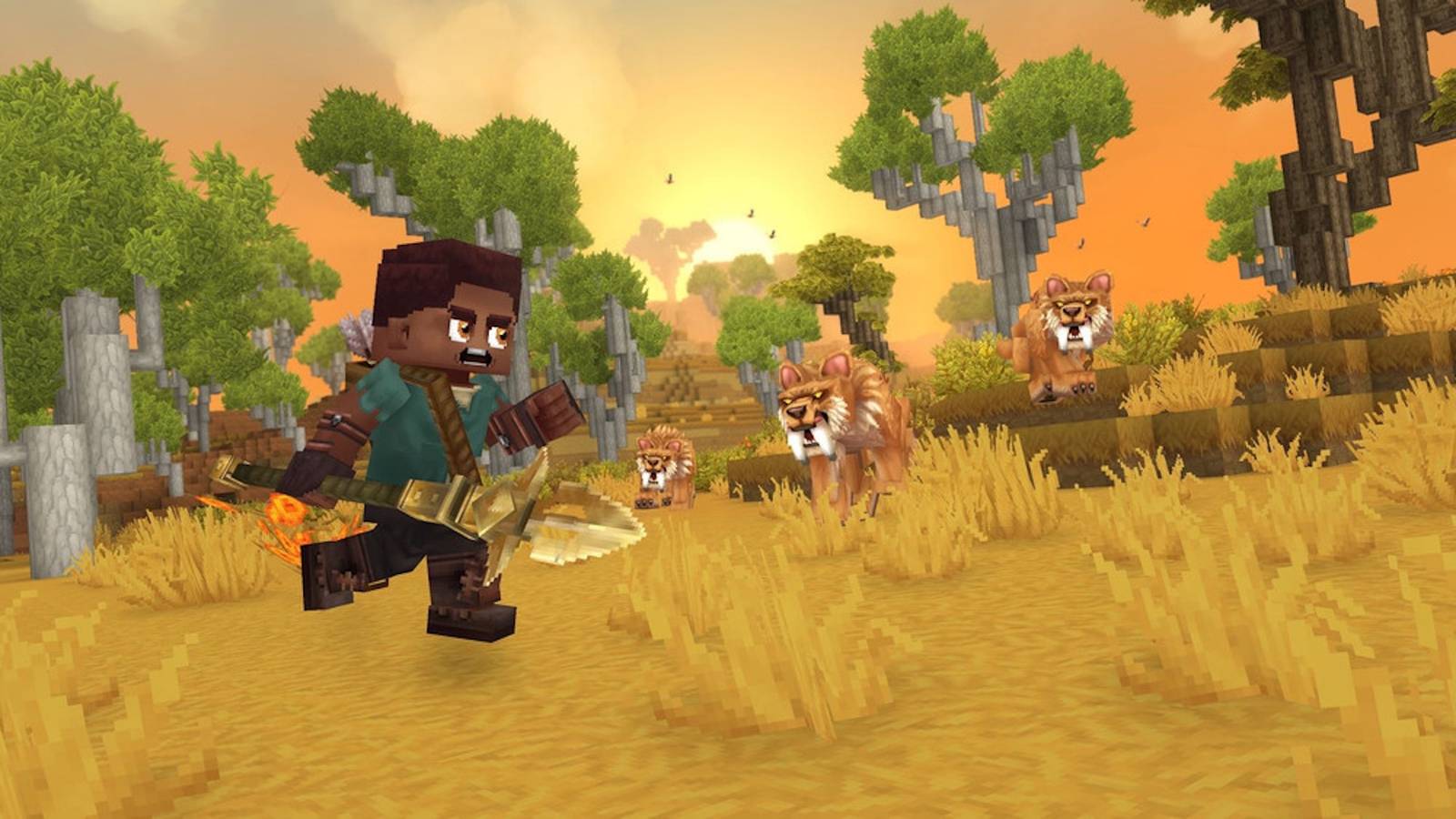
If you want to play Hytale with friends, the process is quick and lets you join up with others for single sessions or even set up persistent servers that keep going even after you log off. You’ll need to tackle a few steps first, though, and those steps get more complicated if you decide to host a dedicated server. It’s also worth bearing in mind that, since the process of inviting friends to your Hytale world includes giving out your IP address, you definitely want to make sure you’re only giving out world codes to people you trust.
Below, we explain how to play Hytale with friends, including how to invite friends to your world, how to join one yourself, and what the situation is with dedicated servers.
How to play Hytale online with friends
When you initially start a world in Hytale, it’ll pop into being with just you in it. You can invite other players to join your world by following these steps:
- Press the Escape key to open the main menu.
- Choose “Online Play.”
- Turn the “allow other players to join” option on.
- Click “save” to accept the option change.
- A code will appear in the field, which you can copy and share with whomever you want to join the server.
- You can also choose to include a password with the code. If you do toggle that option on, click “save” again to re-generate your code and password.
Hytale codes include your IP address, so it’s recommended you only share them with people you actually know and wouldn’t mind if they have access to your IP address.
You can also join a friend’s world if you have their world code.
- From the main menu, before joining a world, choose “servers.”
- Choose “join via code” and enter an invitation code to join your friend’s world.
- Choose “connect” to join.
Hytale‘s worlds aren’t persistent, which means if the server’s host isn’t online and in the world, you can’t access it. They also render the game themselves, which Hypixel says can potentially impact performance. To keep your server up and running and combat the performance loss, you can play on a dedicated server. If you’re trying to join a dedicated server, choose “add server” and input the name and connection address to join.
Does Hytale have dedicated servers?


Hytale supports dedicated servers, though as of the initial early access launch, Hypixel Studios is not running any dedicated servers itself. Your options are purchasing from a third-party server host or setting it up yourself. Hypixel partnered with a handful of server hosting groups that had their servers “thoroughly tested” to help ensure smooth performance. Note that these tests were carried out before Hytale launched and not in conditions mirroring the stress public play would put them under.
Dedicated servers have higher player caps and, Hypixel Studios says, are likely to perform more efficiently when more people are playing, since they don’t have to render the game as well like a standard server does. All of these hosts charge a rental fee. You’re also free to use other third-party server platforms, such as Oracle, though you’ll be responsible for customizing and maintaining them.
Hytale also lets you set up and host a dedicated server on your own, without going through a third party. The process is rather involved, though Hypixel published a manual outlining how to complete each step. Setting up a server on your own can be fairly complicated, and will still require you to run the server on your device. We only recommend that you run a server if you have a powerful computer or a spare that you’re willing to leave on.


![2nd Apr: LEGO® Ninjago Dragons Rising (2025), 4 Seasons [TV-Y7] – New Episodes (6.85/10)](https://occ-0-937-2705.1.nflxso.net/dnm/api/v6/0Qzqdxw-HG1AiOKLWWPsFOUDA2E/AAAABdEfuJ_tuXSqL6SQbxz4vfD1J0FZz00J2BrkDpC2ETPRKrVM5h6lsfgBrbKxY-4tRb2VforwDJVJXK7pDUOB6lagDlz8zBUpz8RlvEJ_mvWnCTlc2hj68jKrBZYBfFXjxkCRDtReJDKz5WgpDrc9bUdGc4-V2pBVnkXoD18j.jpg?r=1ff "2nd Apr: LEGO® Ninjago Dragons Rising (2025), 4 Seasons [TV-Y7] – New Episodes (6.85/10)")