



![24th Jul: 72 HOURS (2026), 1hr 45m [R] (5/10)](https://occ-0-1508-92.1.nflxso.net/dnm/api/v6/0Qzqdxw-HG1AiOKLWWPsFOUDA2E/AAAABTzZd5ia_9cxxDqCHoEOVloAj9sgiYlg_3gmacB7z-9B6ztx1dWl_Ob2NwWaS3tM9IEtxWWRzPLPx0pwlGD6f_3cUNox14nsq1ujuaF6JB9QrJBMqVwa_Jjm1HKo7tSvIGWmygkZneRNwKGhazaWcRGRju5WIqhyCd5jqPOquMcAYg.jpg?r=c16 "24th Jul: 72 HOURS (2026), 1hr 45m [R] (5/10)")







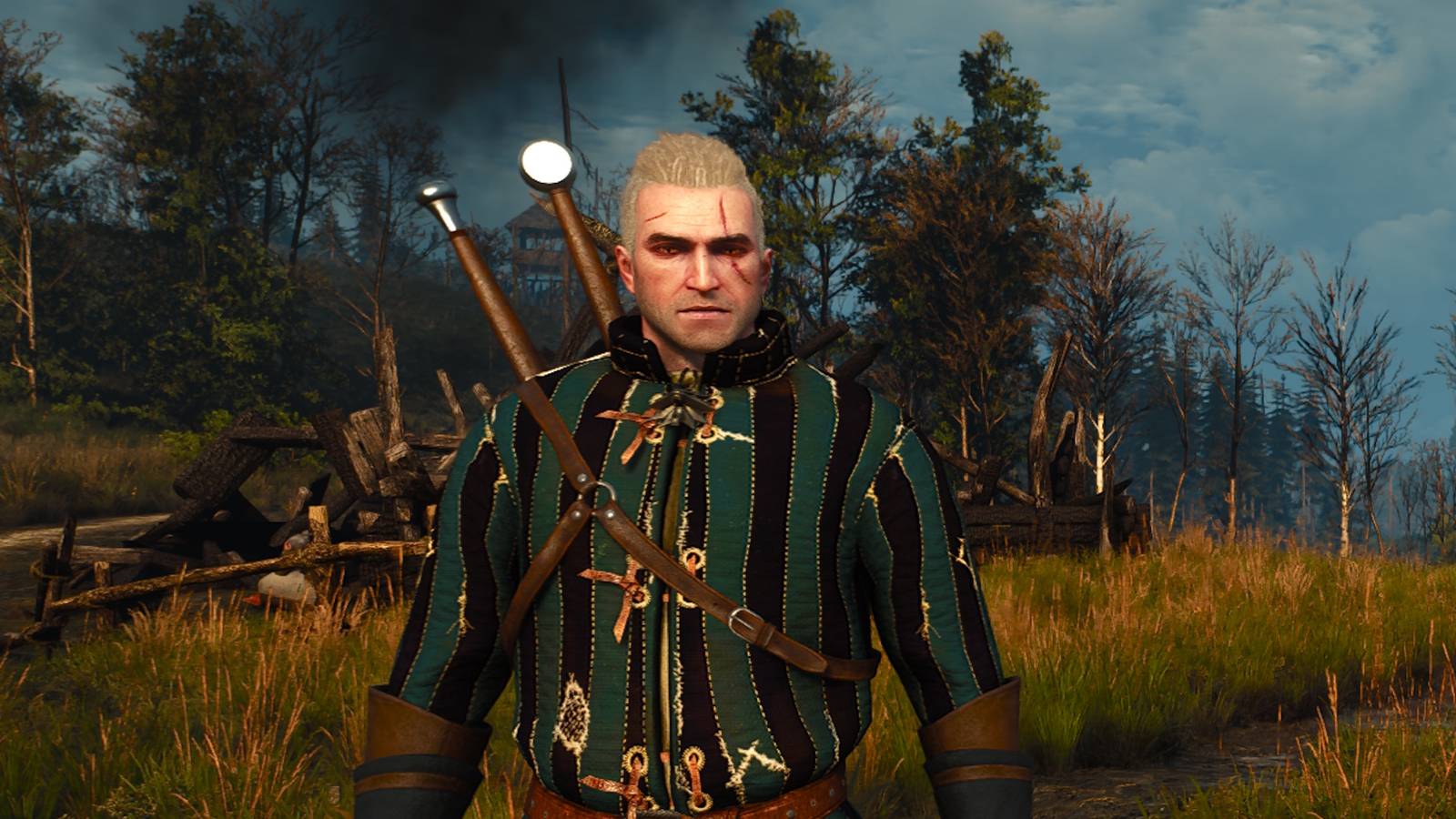
Using The Witcher 3‘s console commands lets you cheat to get ahead, on PC anyway. These cheats include big things, like getting specific weapons or as much money as you want, and smaller cheats, such as changing the weather or giving Geralt a makeover without having to fork out at the barber’s. There’s a console command for traveling anywhere instantly without having to fuss with signposts, and one that lets you play Gwent wherever, regardless of whether you’ve defeated all nearby challengers. It’ll take a bit of work to enable console commands in your game, but once you do it the first time, you can bring up the menu and input a command whenever.
Below, we list The Witcher 3‘s console commands and how to use them.
How to use console commands (cheats) in The Witcher 3
Unlike some games, The Witcher 3 has console commands disabled by default. The method of enabling them involves tinkering with the game’s files, but not in a way that might have undesired consequences. Here’s what you need to do:
- Locate The Witcher 3‘s install location, and make sure the game is closed first. The fastest way to find the file location is via Steam, if you click the gear icon on The Witcher 3 page, then “Properties,” and “Browse local files.”
- Select the “bin” folder.
- Select the “config” folder.
- Select the “base” folder.
- Double-click on the “general” file.
- Make sure the “ConfigVersion” value is 5 (ConfigVersion=5).
- Paste this line below the existing text: DBGConsoleOn=true
- Click “File” and “save,” and then close the screen.
- Launch The Witcher 3.
Once you load the game and have control of Geralt (or Ciri), press the ~ key on your keyboard. (It’s the one above Tab key.) This opens the console command input menu, which is just a big blank screen with a line for inputting text. Input your command, press Enter, and then press ~ again to close the console command screen.
Witcher 3 console commands list
Some of the console commands below work without any special inputs. Those that give you items or Gwent cards will require you to include the specific item or skill name, like “magic_1” for a skill. The Witcher 3 community put together a comprehensive list of all item, skill, and enemy tags on the game’s wiki page. Note that the command listed there for spawning enemies is not the best one to use, as it requires additional inputs and is easy to mess up.
As you can see from the image above, case matters too. “AddHair” or “addhair” won’t work, so it has to be “addHair.” Cosmetic changes, such as shaving and hairstyles, will need to be re-applied when you launch the game again.
The Witcher 3 useful commands (cheats) list
|
Command Input |
Effect |
|---|---|
|
god |
Become invincible |
|
healme |
Completely refill your health bar |
|
Ciri |
Changes playable character to Ciri |
|
Geralt |
Changes playable character to Geralt |
|
setlevel(#) |
Changes your level to the specified number |
|
learnskill(skillname) |
Immediately teach Geralt the specified skill |
|
addskillpoints(#) |
Gives Geralt the specified number of skill points |
|
cat(1) and cat(0) |
cat(1) enables night vision without having to use a potion; cat(0) disables it |
|
setbeard(1) |
Gives Geralt a beard |
|
shave |
Removes Geralt’s beard |
|
WitcherHairstyle(#) |
Changes Geralt’s hair. 1 is default; 2 is ponytail; 3 is long and loose |
|
addHairDLC1 |
Gives Geralt short hair with long bangs |
|
addHairDLC2 |
Gives Geralt a low mohawk with a ponytail |
|
addHairDLC3 |
Gives Geralt short hair and no bangs |
|
mule(optionalmode : int) |
Toggles unlimited carry capacity |
|
additem(‘name’, #) |
Gives Geralt the specified item and quantity of it |
|
addmoney(#) |
Gives Geralt the specified number of crowns |
|
spawn(‘name’,#) |
Instantly spawns the specified enemy in the quantity provided. The enemy’s level is their default, e.g. if you spawn an Alghoul, it’ll show up at level 14 |
|
killall |
Kills all enemies in combat |
|
makeitrain |
Causes a storm to start (useful for potions that work in thunderstorms) |
|
stoprain |
Stops the storm |
|
settime(day, hour, minute, second) |
Sets the time to the specified point, e.g. settime(3, 12, 0, 0) would be noon three days after Geralt’s adventure started |
|
AllowFT(1) |
Lets you fast travel from anywhere. You may need to input this command each time you launch the game for it to work |
|
ShowAllFT(1) |
Displays all fast travel points |
|
ShowPins(1) |
Displays all map pins and icons |
|
tptopos(x,y,z) |
Teleports Geralt to the specified coordinates |
|
secretgwint |
Lets you play a game of Gwent wherever you’re at when you input the command |
|
addgwintcards |
Gives you one of every Gwent card |
|
additem(card,#) |
Adds the specified Gwent card and quantity of it |
