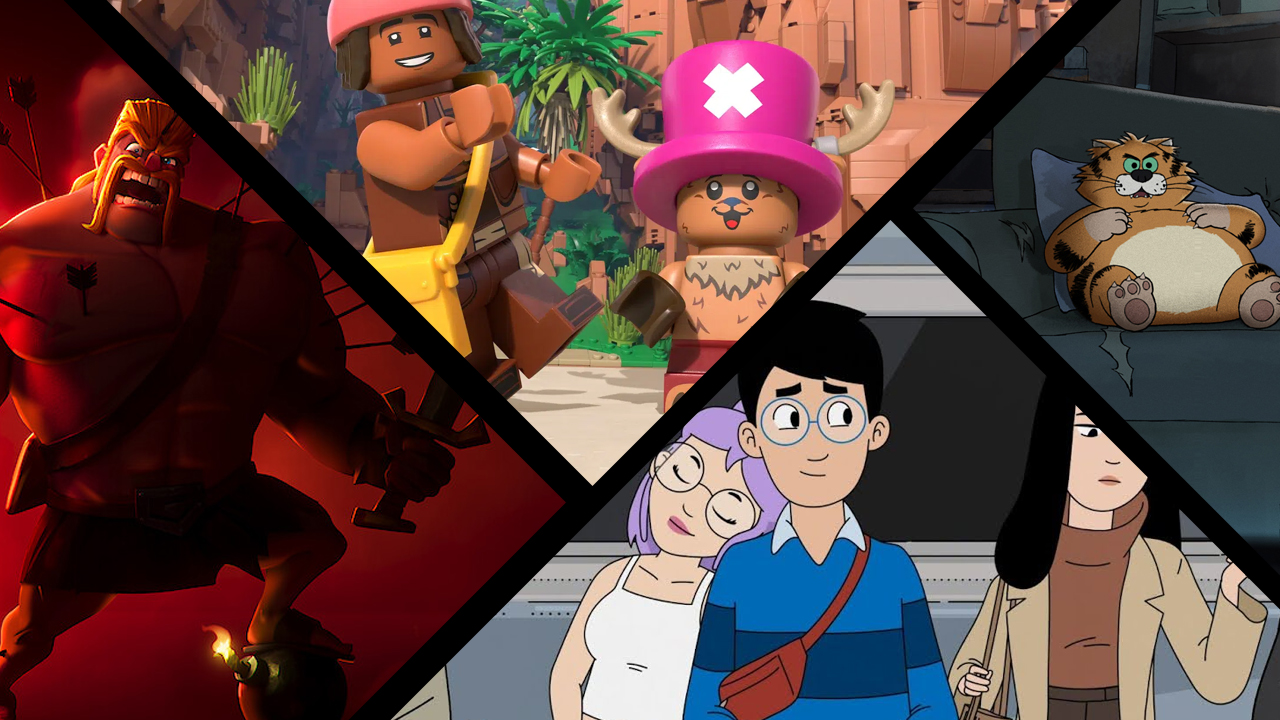






Picture Credits: Netflix
If you’ve been a Netflix subscriber for a while, you might remember having the perfect profile icon—maybe a classic character from Castlevania, a favorite from an earlier season of Stranger Things, or a quirky avatar from Love, Death & Robots. But as Netflix’s library evolves, the streamer regularly adds new and retires old profile pictures with the old ones unavailable after they’ve been retired, until now…
To make room for new characters and promote current Originals, Netflix routinely clears out older profile avatars. While it makes sense from a marketing standpoint, it’s always a bummer when your comfort character gets the boot.
Well, if you’ve been mourning the loss of your favorite retired Netflix avatar, we’ve got some good news for you.
A new third-party browser extension aptly named “Restore retired Netflix profiles” has just hit the Chrome Web Store, and it does exactly what it says on the tin. Created by a developer who goes by the username 3ndCraft on Reddit (or a website that links to BackSlash Robotics), this nifty little tool brings back a massive trove of over 550 legacy profile pictures that Netflix has quietly phased out over the years to bring the total amount of avatars you can chose from to 913 as of the time of publishing.

The Retired Icons Extension In Action
What does the extension do?
As mentioned, Netflix regularly rotates its collection of available avatars, often prioritizing shows and movies currently airing. Once these older avatars are phased out, you are no longer able to use them.
Fans have already used the extension to reclaim avatars from popular shows and franchises, including:
- Arcane
- A Series of Unfortunate Events
- Castlevania
- Chilling Adventures of Sabrina
- Dark Crystal
- Disenchantment
- Love, Death & Robots
- The Sandman
- Heartstopper
- Queer Eye
- Stranger Things Seasons 1-4
- My Little Pony
- Aggretsuko
- Skylanders
Sadly, this doesn’t currently restore the very old functionality that used to let you connect your Facebook profile and use your profile icon there, but still.
How to get your classic icon back
Bringing your favorite character back from the digital graveyard is incredibly simple:
- Head over to the Chrome Web Store and download the Restore retired Netflix profiles extension.
- Add it to your browser (it works on Google Chrome and most Chromium-based browsers like Edge or Brave).
- Log into Netflix on your computer browser and head over to the “Manage Profiles” section.
- Edit your profile, and you’ll find the expanded list of 900+ resurrected icons waiting for you to choose from!
The best part? Once you set your profile picture using the extension on your computer, the icon will sync across your entire account. That means your resurrected avatar will show up on your smart TV, phone, and tablet just like it used to.
Note: As with any third-party browser extension, this tool is not officially endorsed or supported by Netflix. Future updates to Netflix’s user interface could potentially break the extension, but for now, it’s working flawlessly.
Which retired Netflix profile icon have you been missing the most? Will you be using this extension to get it back? Let us know in the comments down below!