









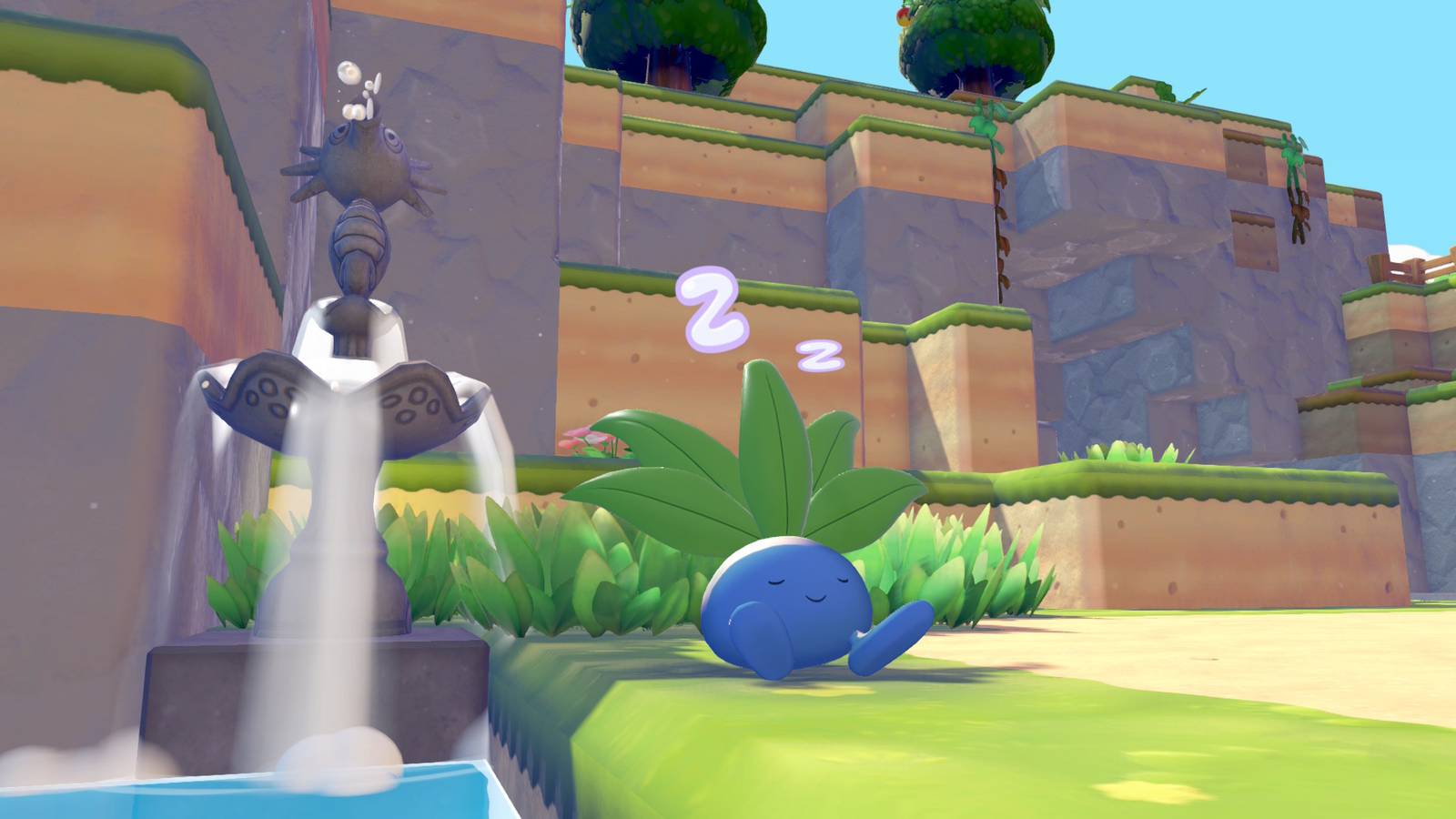
Raising the Environment Level in Pokémon Pokopia is something you should always try to do, but sometimes, the game takes it out of your hands and makes you improve it to clear important requests. Increasing it early in the game seems fairly straightforward, but after you move past Environment Level 3, the requirements get a bit more strict. Expect to put in quite a lot of work for each Pokémon habitat to keep pushing that level higher.
Below, we explain how to increase the Environment Level in Pokémon Pokopia with tips that’ll carry you through the Withered Wastelands and into other regions as well.
How does Enviornment Level work in Pokémon Pokopia?
The Environment Level of a region in Pokopia is supported by the comfort level of the Pokémon who live in that region. Oddish doesn’t care if the hills over yonder are more humid, for example, but they do get happier when there’s no barren soil in the boundaries of their home habitat. While we can’t confirm if the Environment Level is purely tied only to comfort level, making your buddies more comfortable is a great way to increase your Environment Level.
Based on our experience, it seems like the Environment Level is based on a total, rather than an average. When a new Pokémon appears in the area, the Environment Level will often go up because of this, even if their home is only “average” or if you haven’t done anything else other than make a two-by-two patch of flowers.
However you go about increasing the Environment Level in Pokopia, bear in mind that the changes you make often take time before their effects increase (or decrease) the Environment Level meter. This means that you might bring joy to some Pokémon, but it’ll be a bit before you actually get the “The Environment Level increased!” notification. Additionally, building a house for a Pokémon won’t immediately increase the level. That happens (in our experience) after you furnish it, convince a Pokémon to move in, and talk to them after they’ve processed the fact that they have a nice new house.
The Environment Level isn’t always going up, either. Your actions can decrease the Environment Level, if you remove decorations or generally make a Pokémon less comfortable. So, if you’re making large-scale changes to habitats, don’t forget to make sure the affected Pokémon still have everything they need, and expect to see some fluctuations in the Environment Level until they do.
How to increase the Environment Level in Pokémon Pokopia
Based on our experience, to increase the Environment Level in Pokopia, you can just make as many habitats as possible to invite more and more Pokémon in (as mentioned above), but you should also focus on improving the livelihood of the Pokémon you have.

You can ask a Pokémon about their comfort level to get an idea about what they need to be happy in their home. However, they only give you a vague hint, and they also only give you one hint per day, though that hint may include multiple traits like “relaxation” and “more nature.” You can press the Minus button when checking the PC to get a breakdown of how satisfied each Pokémon is on a scale from “awesome” to “iffy.” Bumping up a Pokémon from one comfort tier to the next seems to have a noteworthy effect on the Environment Level, so make sure to check and see who needs your help the most. (And try to never leave a Pokémon without a home.)
These are some good, general rules to follow for improving a Pokémon’s comfort and thus, the Environment Level:
- Make sure every Pokémon habitat has at least one piece of relaxation furniture. Straw beds are the easiest, though you can get away with benches as well.
- Add at least one source of light, like a mushroom lamp, unless the Pokémon specifically likes it dark.
- Place one or more decorative items. You can purchase things like a wreath from the PC, and around the time you complete the Withered Wasteland Pokémon Center, you’ll learn the recipe for a simple vase.
- Build a simple home, like a leaf den. Every Pokémon likes having a proper shelter of some kind, and while fancier dwellings are good, you can get by just fine with leaf dens. Just remember that it needs at least three pieces of furniture before a Pokémon will agree to move in.

Pokémon will also have species-specific likes and requirements. Some of them come with the territory. For example, rock-types like Onix and fire-types like Charmander prefer dry places to shelter from the rain, water-types need access to water, and grass-types like having grass and flowers nearby. If you don’t want to play the guessing game, you can open your Pokopia Pokédex, select a Pokémon’s entry there, and see what their preferences are. Ivysaur likes nature, flowers, and colorful things, so planting an assortment of different-colored wildflowers and other varieties of flowers (such as “beautiful flowers”) is a fast way to make them very happy.
In other cases, it’ll just come down to guesswork. Take Venonat as an example. Their Pokédex entry says they like “complicated stuff,” nature, and “watching stuff.” We put a fountain in their habitat by accident once, and it became their favorite thing, boosting comfort by a noteworthy amount. It doesn’t necessarily take a lot of effort to make a Pokémon really happy, either. Bellsprout’s comfort rocketed up to “awesome” for us with just some toy blocks, flowers, a straw bed, and a water basin.
If you are experimenting with things to see if a Pokémon likes them and you don’t enjoy seeing them sad, we recommend having that Pokémon follow you. Otherwise, when you pick up an item to move it, they may complain. If they’ve joined you, though, they just go along with whatever you do.
If you’re starting out in Pokémon Pokopia, we have guides to help you spruce up your island. We have both a Pokédex and Habitat Dex to assist in figuring out what can spawn where, and what you need to build to summon your favorite creatures. If you’re feeling overwhelmed, you can also check out our beginner’s guide for some early tips and tricks to help smooth out your journey.
We also have walkthroughs for the other important requests that progress the story: “Brighten Things Up!,” “Time to Party!,” and “Build the Huge Building!” If you’re looking to play with friends, know that there are restrictions for the regular Pokopia multiplayer and for the GameShare version.
