





Canadian ReviewsCanadian Reviews
  • What’s On
  • Reviews
  • Digital World
  • Lifestyle
  • Travel
  • Trending
  • Web Stories
Trending Now
How multiplayer and Cloud Islands work in Pokémon Pokopia

How multiplayer and Cloud Islands work in Pokémon Pokopia

Today's Wordle Hint, Answers for #1721 on Friday, March 6, 2026

Today's Wordle Hint, Answers for #1721 on Friday, March 6, 2026

Scandic Drives Climate Action Forward – Now With Validated Science Based Targets

Scandic Drives Climate Action Forward – Now With Validated Science Based Targets

Israel pounds southern Beirut, a Hezbollah stronghold

Israel pounds southern Beirut, a Hezbollah stronghold

Sonoma County’s Appellation Healdsburg Hotel EB-5 Investors Report Accelerated I-526E Approvals

Sonoma County’s Appellation Healdsburg Hotel EB-5 Investors Report Accelerated I-526E Approvals

DOJ signals it’s still digging into Biden autopen use despite reports probe fizzled

DOJ signals it’s still digging into Biden autopen use despite reports probe fizzled

How to use GameShare in Pokémon Pokopia

How to use GameShare in Pokémon Pokopia

Facebook X (Twitter) Instagram
  • Privacy
  • Terms
  • Advertise
  • Contact us
Facebook X (Twitter) Instagram Pinterest Vimeo
Canadian ReviewsCanadian Reviews
  • What’s On
  • Reviews
  • Digital World
  • Lifestyle
  • Travel
  • Trending
  • Web Stories
Newsletter
Canadian ReviewsCanadian Reviews
You are at:Home » How to use GameShare in Pokémon Pokopia
How to use GameShare in Pokémon Pokopia
Lifestyle

How to use GameShare in Pokémon Pokopia

5 March 20264 Mins Read

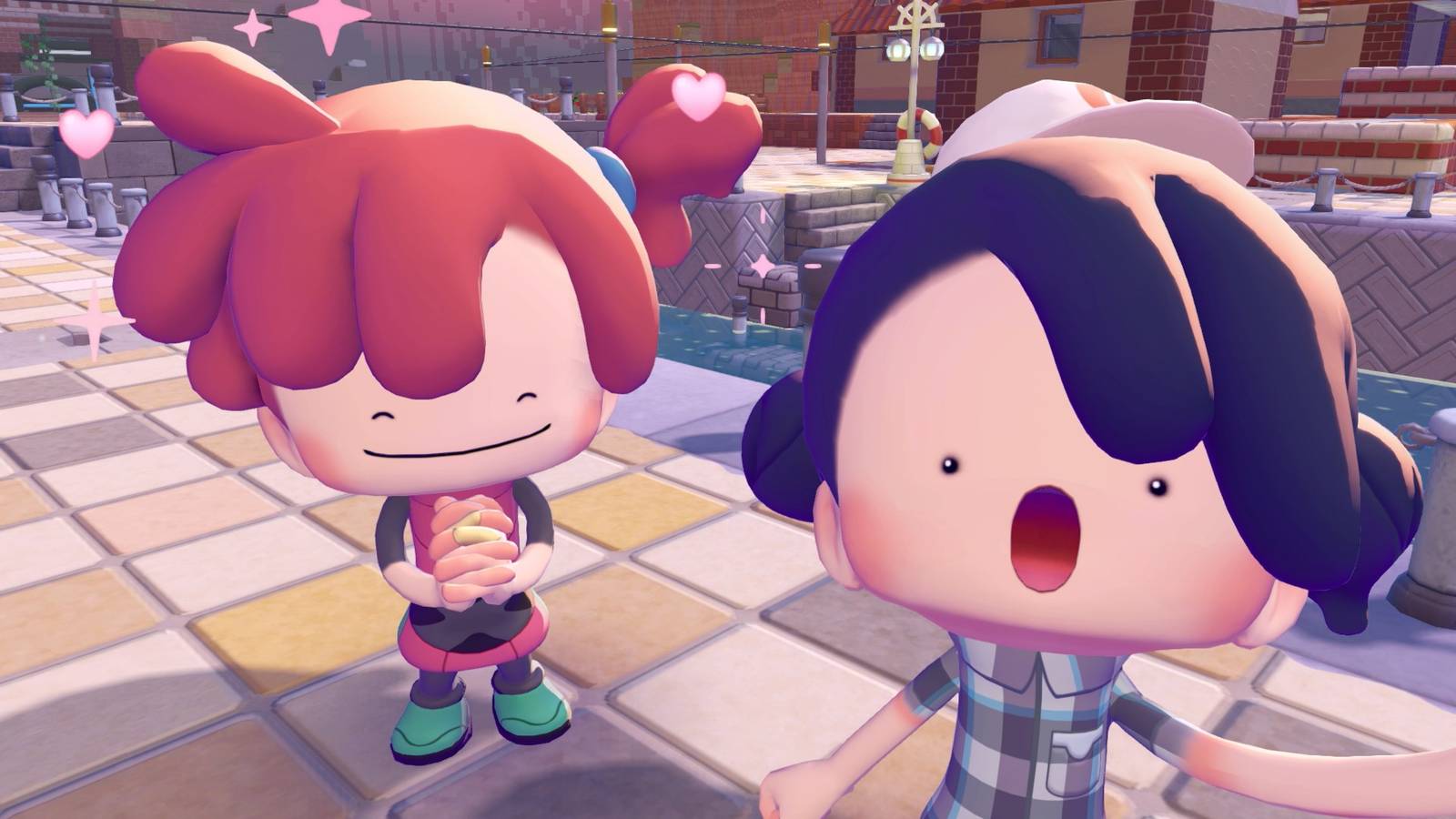
Pokémon Pokopia‘s GameShare feature lets you play with one other player locally by streaming from your Nintendo Switch 2 to another Switch (even an original Nintendo Switch, if you’re playing locally). However, GameShare is limited to just one area in Pokopia, and the visiting player’s role is rather limited as well.

Below, we break down how to get started using GameShare in Pokémon Pokopia and what you can do with it.


How to start GameShare in Pokémon Pokopia

Image: Koei Tecmo, Game Freak/Nintendo, The Pokémon Company via Polygon

GameShare in Pokopia only works in Palette Town, which you unlock shortly after starting the game.

After you learn Rock Smash from Hitmonchan:

  1. Travel to the west of the Pokémon Center.
  2. Use Rock Smash to clear a path between the cliffs.
  3. Continue walking west, and you’ll see a bridge (the Cycling Road).
  4. Use some blocks to bridge the gap between the path you’re on and the Cycling Road.

Depending on how much progress you’ve made, the game may warn you that it’s best not to visit the area beyond the road until you’ve completed more tasks. You’re fine to ignore that and continue on your merry way.

The link play menu in Pokemon Pokopia showing the GameShare option Image: Koei Tecmo, Game Freak/Nintendo, The Pokémon Company via Polygon

After a loading screen, you’ll wind up in Palette Town, get a bunch of tutorial screens, and meet Eevee. After that’s all done, you’re free to start the GameShare session.

  1. Interact with the PC once you regain control of your Ditto.
  2. Choose “Link Play.”
  3. Pick “Invite others to visit.”
  4. Select “GameShare.”
  5. If you’re playing locally, select “with nearby players.” This will prompt a local GameShare session that Nintendo Switch players can join. If you’re playing via the internet, select “Via GameChat.” This will prompt you to start a GameChat session. Follow the instructions on screen to make a session and invite who you want to play with.
  6. Once the players join your invitations, start the game.

If you’re playing locally (including if you’re on an original Nintendo Switch), you’ll need to do the following.

  1. Select “GameShare” from the home menu.
  2. Choose “join” once the system recognizes the nearby Switch 2.

If you’re receiving the invite on a Nintendo Switch 2 via internet, you’ll need to do the following:

  1. Accept the GameChat invitation.
  2. Accept the GameShare invitation.

You’ll land in the other player’s game world after a few moments as a pre-designed Ditto.


What can you do with GameShare in Pokémon Pokopia?

A Switch 1 player playing Pokopia via GameShare Image: Koei Tecmo, Game Freak/Nintendo, The Pokémon Company via Polygon

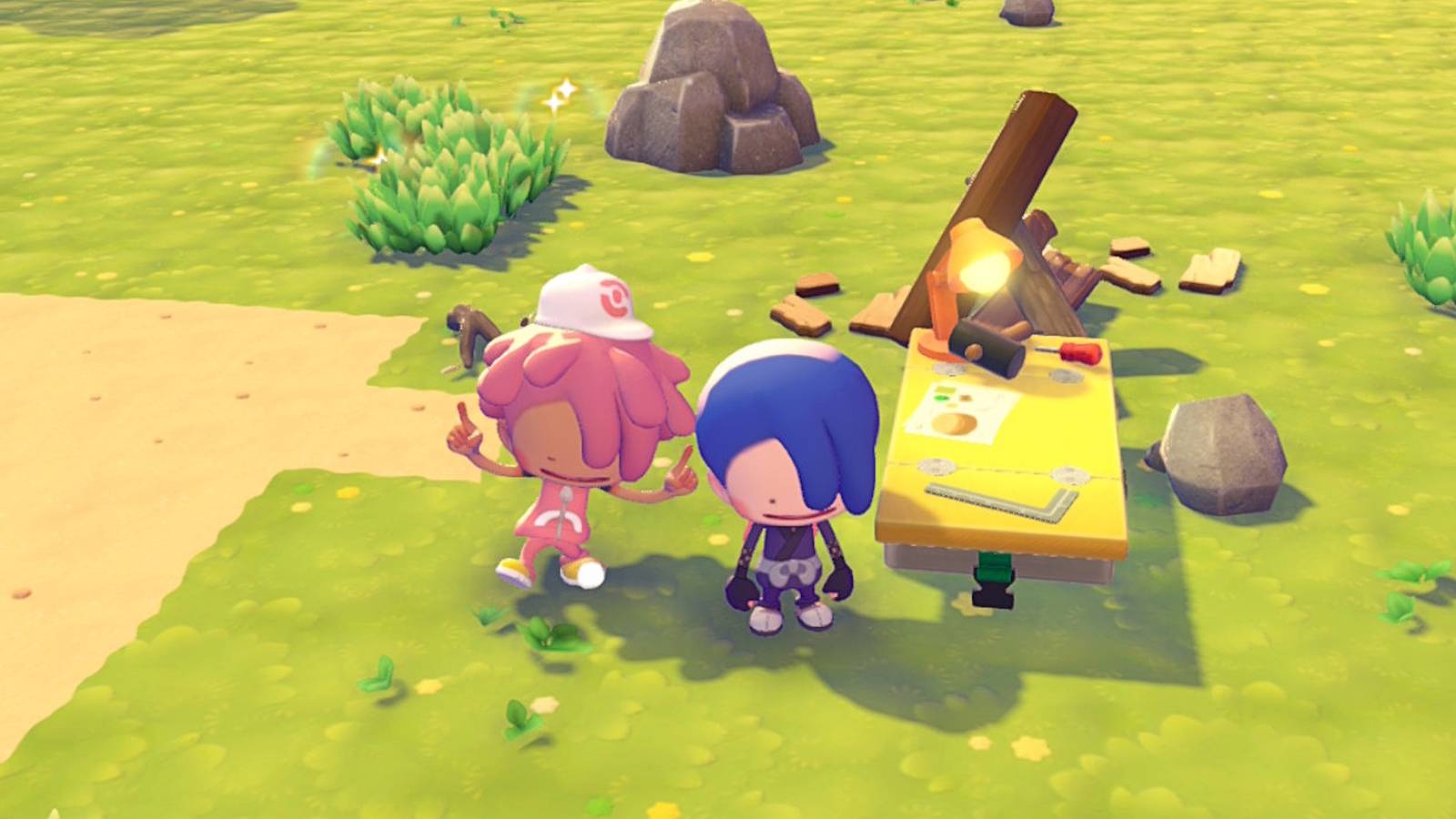
Not much, admittedly. The player being shared with is faced with several limits on what they can do and how they can interact with the world. The GameShare feature does not allow co-op story progression and you can’t hang out on the main islands together at all.

The visiting player can:

  • Use Ditto’s abilities (whichever ones the host player has learned), except Magnet Rise
  • Interact with trees and other materials like stone and leaves
  • Collect items already placed in the world, such as blueprints and treasure
  • Drop soil blocks and pick up soil blocks the host player drops
  • Eat food dropped by the player to power up Ditto abilities

The visiting player can’t:

  • Craft or open the crafting table
  • Interact with Pokémon traces
  • Change their appearances

The visiting player’s items will end up in the host player’s lost and found box after the session closes.

The visiting player’s role is just slightly more active than that of a spectator in Pokopia‘s other multiplayer modes, since you can build with blocks and create habitats for Pokémon. That’s about it, though.


​If you’re starting out in Pokémon Pokopia, we have guides to help you spruce up your island. We have both a Pokédex and Habitat Dex to assist in figuring out what can spawn where, and what you need to build to summon your favorite creatures. If you’re feeling overwhelmed, you can also check out our beginner’s guide for some early tips and tricks to help smooth out your journey.

We also have walkthroughs for the important requests that progress the story: “Yawn up a Storm!,” “Brighten Things Up!,” “Time to Party!,” and “Build the Huge Building!”


Share. Facebook Twitter Pinterest LinkedIn Reddit WhatsApp Telegram Email

Related Articles

How multiplayer and Cloud Islands work in Pokémon Pokopia

How multiplayer and Cloud Islands work in Pokémon Pokopia

Lifestyle 6 March 2026
Today's Wordle Hint, Answers for #1721 on Friday, March 6, 2026

Today's Wordle Hint, Answers for #1721 on Friday, March 6, 2026

Lifestyle 6 March 2026
Israel pounds southern Beirut, a Hezbollah stronghold

Israel pounds southern Beirut, a Hezbollah stronghold

Lifestyle 5 March 2026
DOJ signals it’s still digging into Biden autopen use despite reports probe fizzled

DOJ signals it’s still digging into Biden autopen use despite reports probe fizzled

Lifestyle 5 March 2026
'Days of Our Lives' Celebrates Tom and Alice Horton

'Days of Our Lives' Celebrates Tom and Alice Horton

Lifestyle 5 March 2026
I tested out cheap Toronto date night activities so you don’t have to (only 5 made the cut), Life in canada

I tested out cheap Toronto date night activities so you don’t have to (only 5 made the cut), Life in canada

Lifestyle 5 March 2026
Top Articles
As an ER doc and a mom. Here are five things I don’t let my kids do because the risks are too high | Canada Voices

As an ER doc and a mom. Here are five things I don’t let my kids do because the risks are too high | Canada Voices

11 January 2026254 Views
Old family photos collecting dust? Here’s how to get rid of them without letting go of the memories | Canada Voices

Old family photos collecting dust? Here’s how to get rid of them without letting go of the memories | Canada Voices

27 December 2025208 Views
9 Longest-Lasting Nail Polishes, Tested by Top Manicurists

9 Longest-Lasting Nail Polishes, Tested by Top Manicurists

25 January 2026179 Views
These BookTok influencers are finding success in turning reading into a game | Canada Voices

These BookTok influencers are finding success in turning reading into a game | Canada Voices

27 December 2025115 Views
Demo
Don't Miss
DOJ signals it’s still digging into Biden autopen use despite reports probe fizzled
Lifestyle 5 March 2026

DOJ signals it’s still digging into Biden autopen use despite reports probe fizzled

The Department of Justice indicated Thursday it is still investigating the legality of former President…

How to use GameShare in Pokémon Pokopia

How to use GameShare in Pokémon Pokopia

'Days of Our Lives' Celebrates Tom and Alice Horton

'Days of Our Lives' Celebrates Tom and Alice Horton

Six Senses London Launches at Former Whiteley’s Department Store

Six Senses London Launches at Former Whiteley’s Department Store

About Us
About Us

Canadian Reviews is your one-stop website for the latest Canadian trends and things to do, follow us now to get the news that matters to you.

Facebook X (Twitter) Pinterest YouTube WhatsApp
Our Picks
How multiplayer and Cloud Islands work in Pokémon Pokopia

How multiplayer and Cloud Islands work in Pokémon Pokopia

Today's Wordle Hint, Answers for #1721 on Friday, March 6, 2026

Today's Wordle Hint, Answers for #1721 on Friday, March 6, 2026

Scandic Drives Climate Action Forward – Now With Validated Science Based Targets

Scandic Drives Climate Action Forward – Now With Validated Science Based Targets

Most Popular
Why You Should Consider Investing with IC Markets

Why You Should Consider Investing with IC Markets

28 April 202430 Views
OANDA Review – Low costs and no deposit requirements

OANDA Review – Low costs and no deposit requirements

28 April 2024362 Views
LearnToTrade: A Comprehensive Look at the Controversial Trading School

LearnToTrade: A Comprehensive Look at the Controversial Trading School

28 April 202479 Views
© 2026 ThemeSphere. Designed by ThemeSphere.
  • Privacy Policy
  • Terms of use
  • Advertise
  • Contact us

Type above and press Enter to search. Press Esc to cancel.