




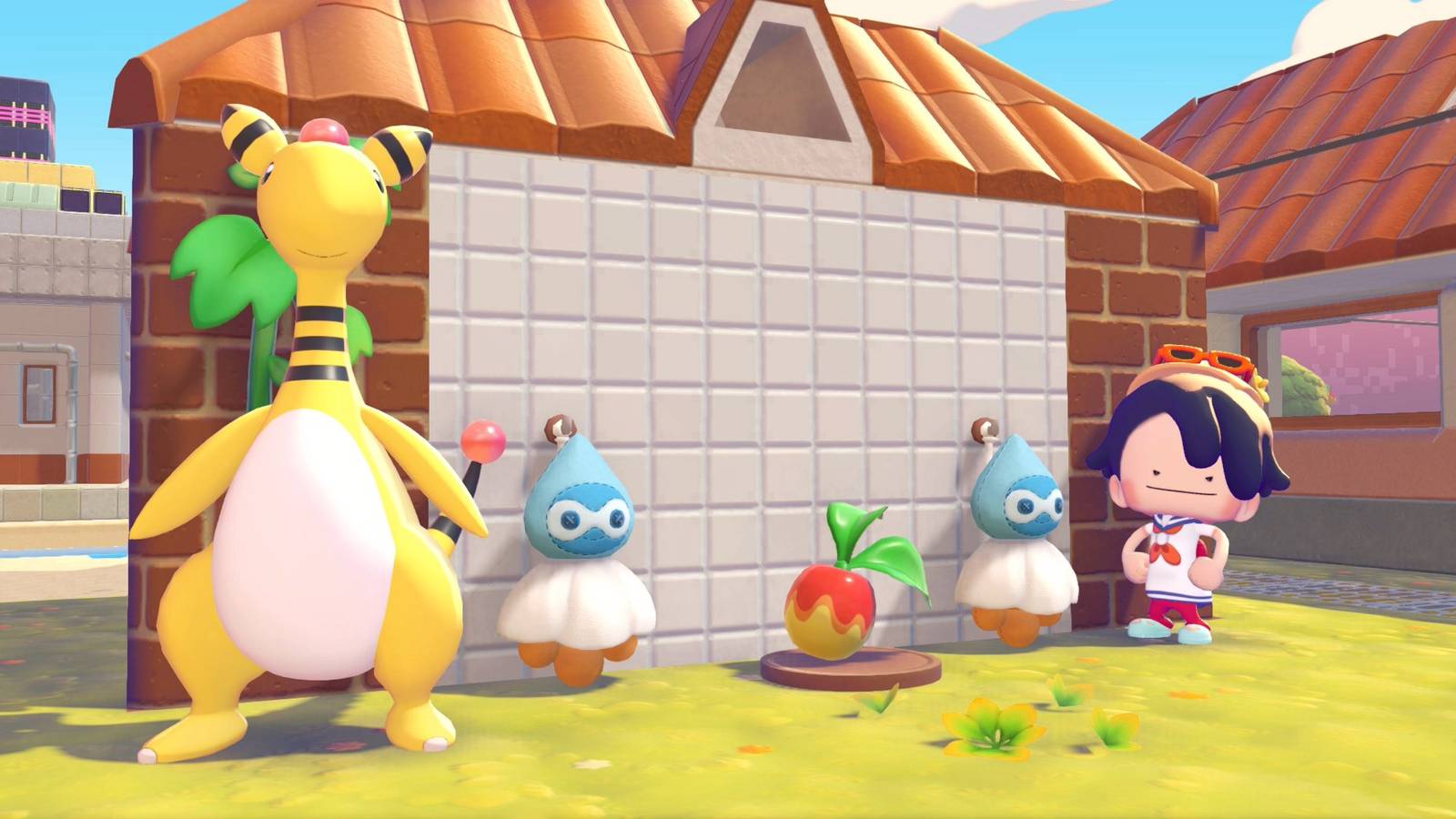
If you want to change the weather in Pokémon Pokopia from rainy to sunny (or vice versa), you can use certain habitats and Pokémon to do so. Changing the weather has its benefits, as rain will rehydrate dry grass and some Pokémon require specific weather conditions to move into habitats.
Whether you want to change the weather to take some cute screenshots or if you’re hunting for some specific Pokémon, we’re here to help. Below we explain how to change the weather in Pokémon Pokopia.
How to change the weather in Pokopia
After completing most of the “Yawn up a Storm!” important request in Withered Wasteland, you’ll make a “Rain Dance site” habitat, using two Castform weather charms and plated food. With the dolls flipped to Castform’s rainy form, you can use this to make it rain. All you have to do is bring a Water specialty Pokémon to the “Rain Dance site.” They will eat the food offering and then perform Rain Dance, increasing the humidity and causing it to rain in the area.
On the flip side, if you want to make it sunny (or clear the skies, if it’s nighttime), you’ll want to make a “Sunny Day site” habitat, which uses the same items as the “Rain Dance site,” but you just need to flip the charms over. When the dolls are flipped to Castform’s sunny form, you can do the same steps listed above to clear the skies of clouds, but you’ll need to bring a Burn specialty Pokémon instead.

It’s likely that a Goomy or Cacnea will move into either habitat shortly after you make it, so if you want to use a single habitat to change the weather between sunny and rainy, you should move the Pokémon out first. Swapping the Castform charms will change the habitat, making the Pokémon lose its home.
If you’re short on Castform weather charms, you can always find one on a Dream Island in the windmill-topped tower you start off by, and you can dig up more as large lost relics. One will also appear in the PC shop after raising Withered Wasteland’s Environment Level enough.
There does seem to be a short cooldown on how often you can change the weather in the same region. After making it rain, we brought our Charmander over to make it sunny and… it didn’t even want to eat the offering. (After taking a 25-minute detour to a Dream Island and returning, Charmander was willing to eat and bring out the sun.) So keep that in mind as you change the weather in your game, too.
Being able to make it rain is particularly useful, as some Pokémon will only show up to habitats in rainy weather, like Goodra. Inversely, Pokémon like Charizard don’t spawn in the rain, so you’ll want to clear the skies if you want them to show up.
Lugia will also seemingly only fly overhead during cloudy or rainy weather, so if you’re hunting for Silver Feathers, you’ll want to make sure to set the weather accordingly. Ho-oh also only seems to appear when it’s sunny or the skies are clear, so if you want Rainbow Feathers, you’ll want to make sure there’s no clouds or rain.
If you’re starting out in Pokémon Pokopia, we have guides to help you spruce up your island. We have both a Pokédex and Habitat Dex to assist in figuring out what can spawn where, and what you need to build to summon your favorite creatures. If you’re feeling overwhelmed, you can also check out our beginner’s guide for some early tips and tricks to help smooth out your journey.
We also have walkthroughs for the important requests that progress the story: “Yawn up a Storm!,” “Brighten Things Up!,” “Time to Party!,” and “Build the Huge Building!” If you’re looking to play with friends, know that there are restrictions for the regular Pokopia multiplayer and for the GameShare version.